Why Manual Entry?
Automatic GPS trackers often log every trip to the grocery store or post office, forcing you
to spend hours "cleaning up" your data. MileHawk puts you in the driver's seat. By using
mindful manual logging, you ensure that every mile recorded is intentional and 100% accurate.
Save Battery: No background GPS tracking means your phone stays charged all day.
Privacy First: We don't track your every move. Your location is only used when
you decide to log a trip.
Audit-Proof: Manual entries with odometer readings are the gold standard for
IRS and business records.
Your data belongs to you. MileHawk is supported by non-intrusive mobile ads, allowing us to
offer high-end features like cloud backup and unlimited reporting for free. We do not sell
your personal data or your trip history to third parties.
Frequently asked questions
What is MileHawk?
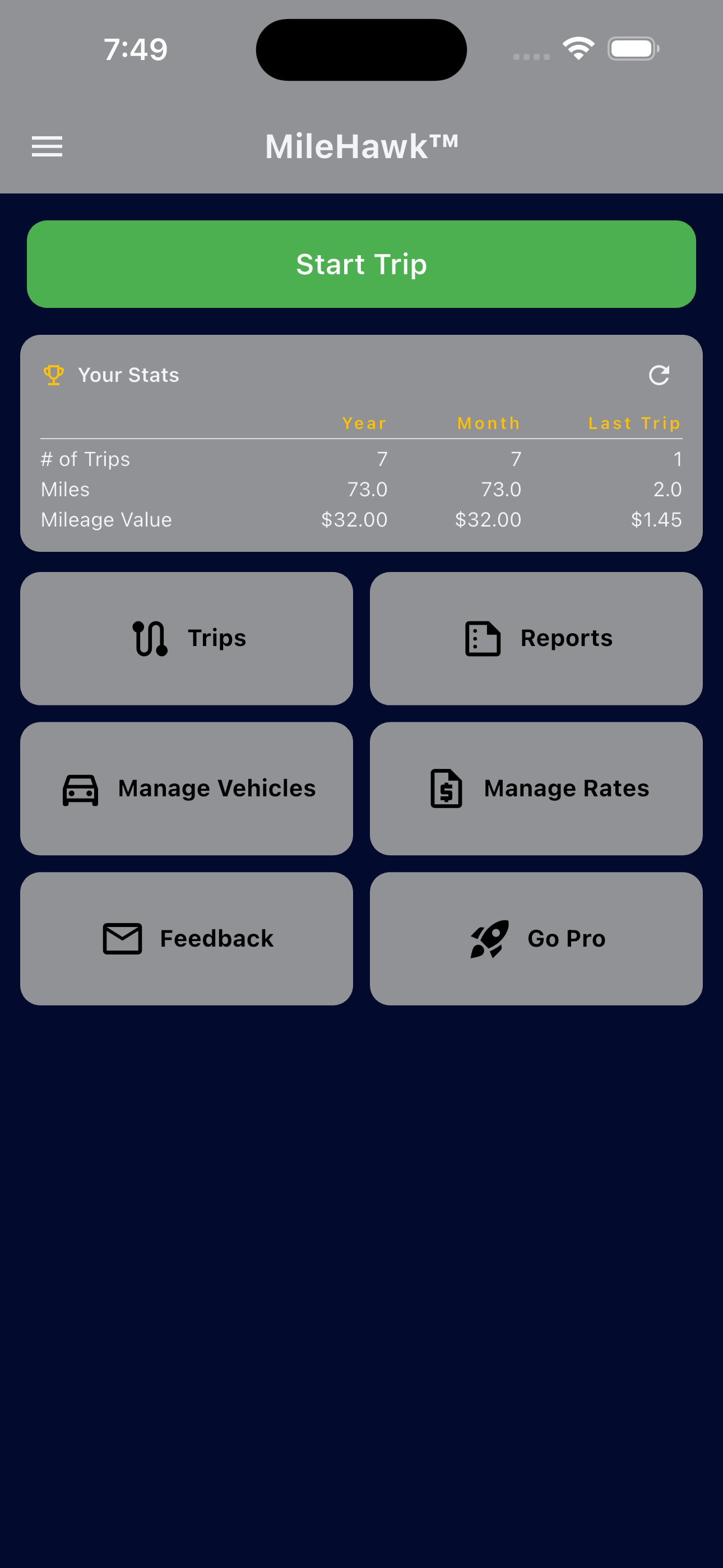
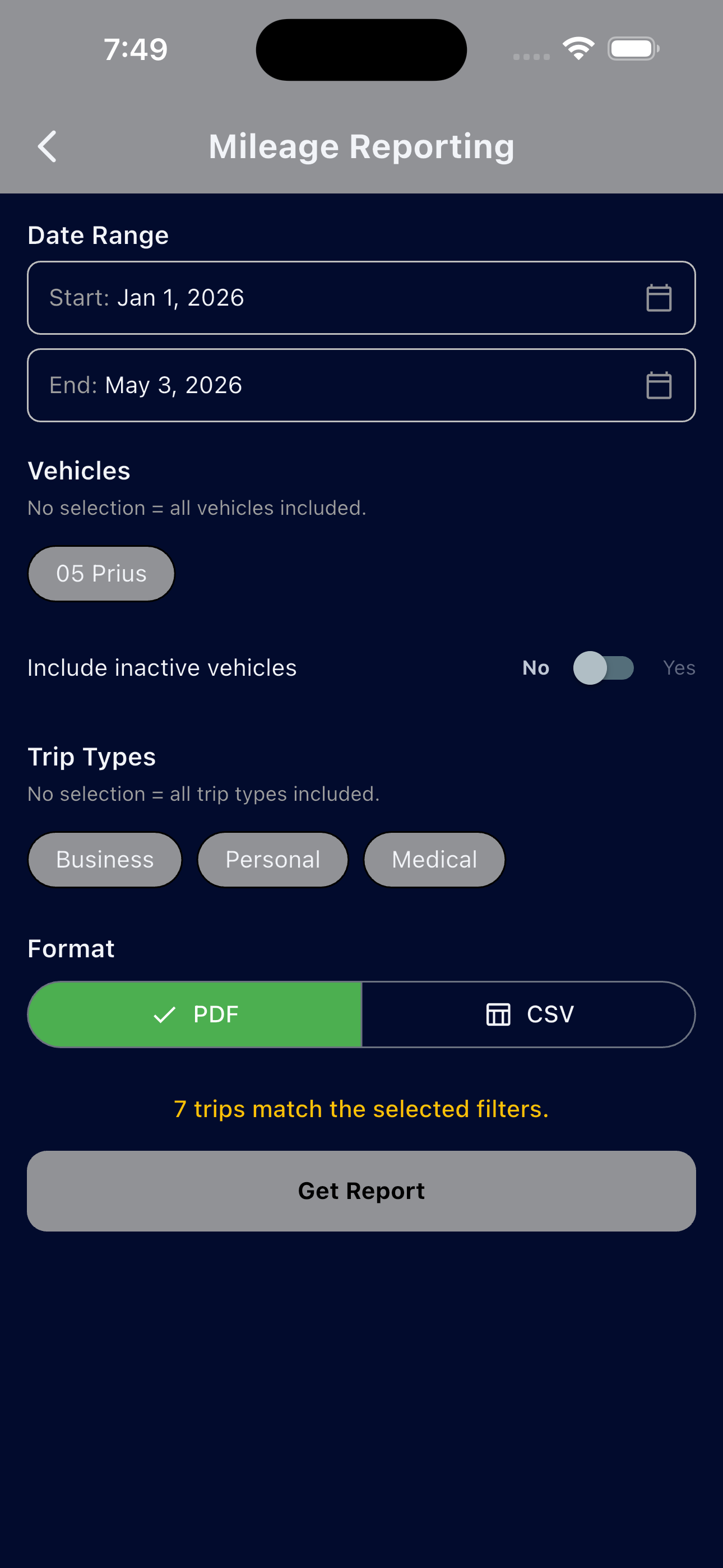
MileHawk is a free manual mileage tracking app for iOS, Android, and Mac. It lets you log trips by entering odometer readings, calculates miles and reimbursement totals automatically, and exports your log as a PDF or CSV for tax filing, employer reimbursement, or IRS documentation.
Is there a truly free mileage tracker app with no subscription?
Yes. MileHawk is completely free with no subscription, no trial period, and no paywalled features. The app is supported by non-intrusive mobile ads. Unlimited trips, cloud backup, and PDF/CSV export are all available at no cost.
Is MileHawk good for tracking mileage for taxes?
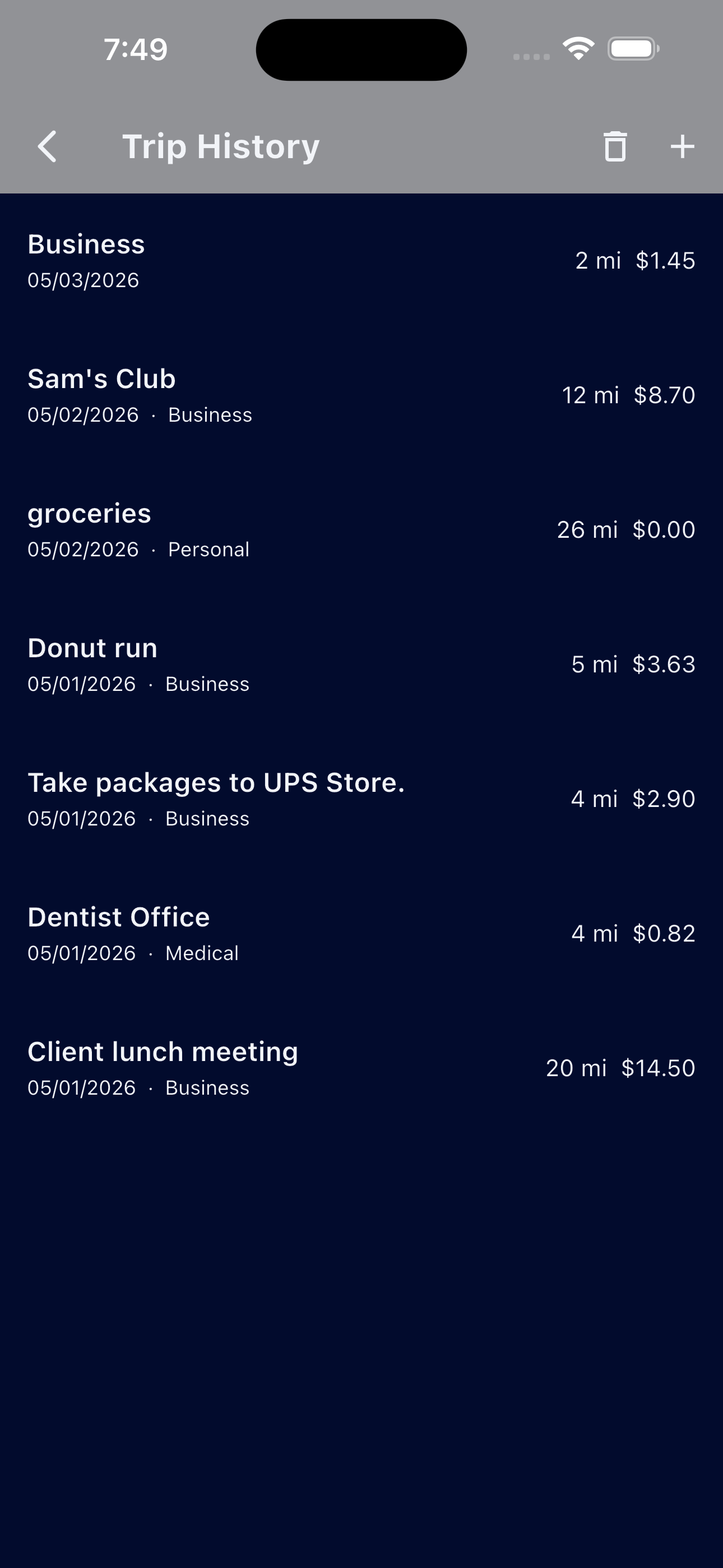
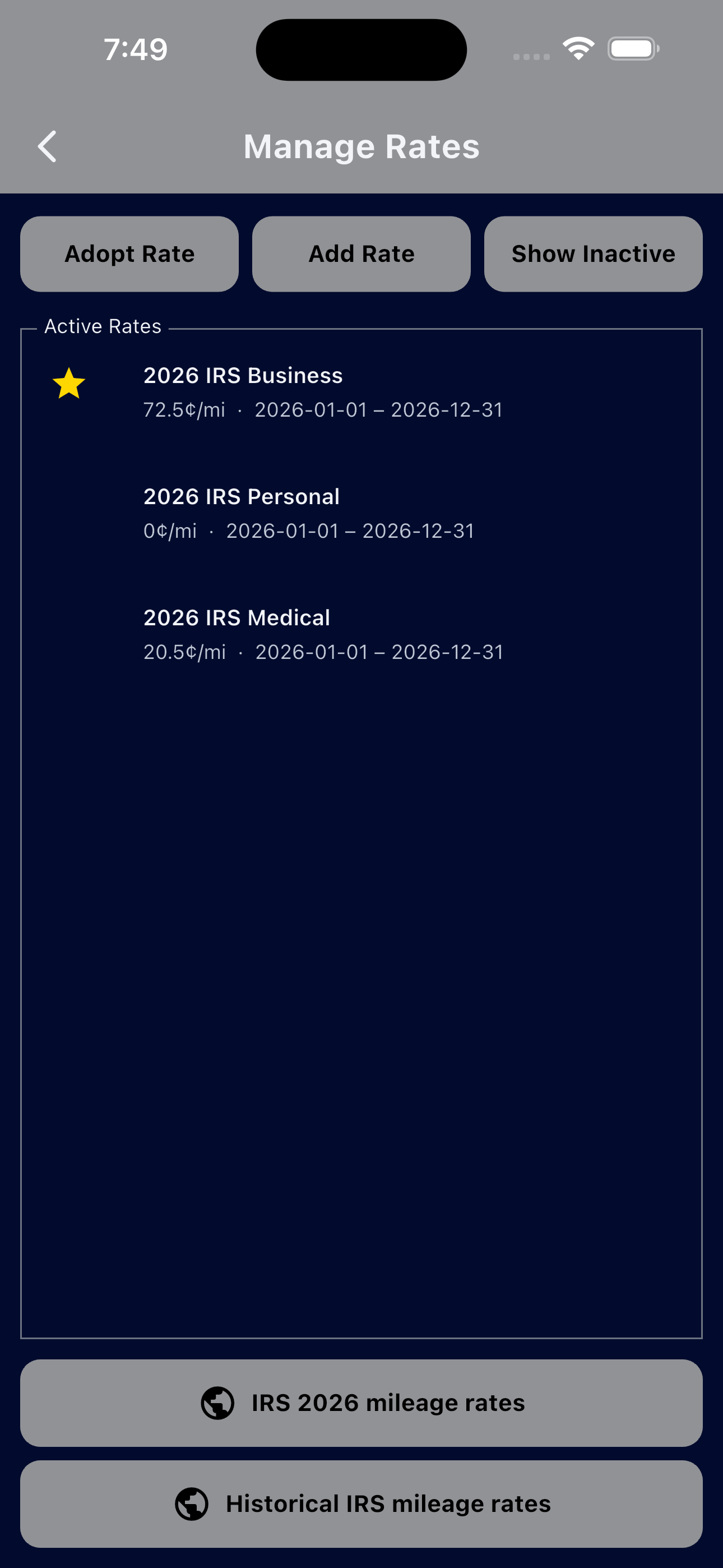
Yes. MileHawk supports the four IRS mileage rate categories — Business, Charity, Medical, and Military — and lets you set a custom rate if needed. Every trip is logged with date, odometer readings, and purpose. You can export a dated report at tax time that meets IRS contemporaneous recordkeeping requirements.
Does MileHawk use GPS to track trips automatically?
No. MileHawk uses manual odometer entry rather than background GPS tracking. This preserves your battery, protects your privacy, and produces a more defensible IRS record — odometer-based logs are the standard the IRS explicitly recommends for mileage deductions.
How does MileHawk compare to paid mileage apps like MileIQ or Everlance?
MileHawk is free with no subscription, while MileIQ and similar apps typically charge $5–$10 per month or more. MileHawk uses manual odometer entry instead of GPS auto-tracking, which gives you cleaner records without the cleanup work. For anyone who logs trips intentionally — contractors, volunteers, employees — manual entry is faster and the resulting log is more accurate.
Can I use MileHawk for business mileage reimbursement from my employer?
Yes. Log each business trip with odometer readings and a purpose note, then export a PDF or CSV report to share with your employer or submit to payroll. The Business rate category applies the current IRS standard rate, or you can enter a custom rate that matches your company's reimbursement policy.
Does MileHawk work for tracking charity and volunteer mileage?
Yes. MileHawk includes a dedicated Charity rate category for miles driven in service of qualifying nonprofit organizations. Because the charity rate is lower than the business rate, using a free app matters more — a subscription would erode the tax benefit you are trying to capture.
Is MileHawk available for iPhone, Android, and Mac?
Yes. MileHawk is on the Apple App Store for iPhone and Mac (same unified listing) and on Google Play for Android devices.
See who MileHawk is for →